WhatsApp Business, run by your whole team.
Connect your own WhatsApp number through Meta, then send, reply, and broadcast from a shared inbox that shares the same contacts, wallet, and dashboard as your SMS and Voice campaigns. In beta, request early access.
Guide the conversation with a chatbot.
Build visual flows with menus, customer questions, optional AI answers and agent handoff.
Bring your own WhatsApp number.
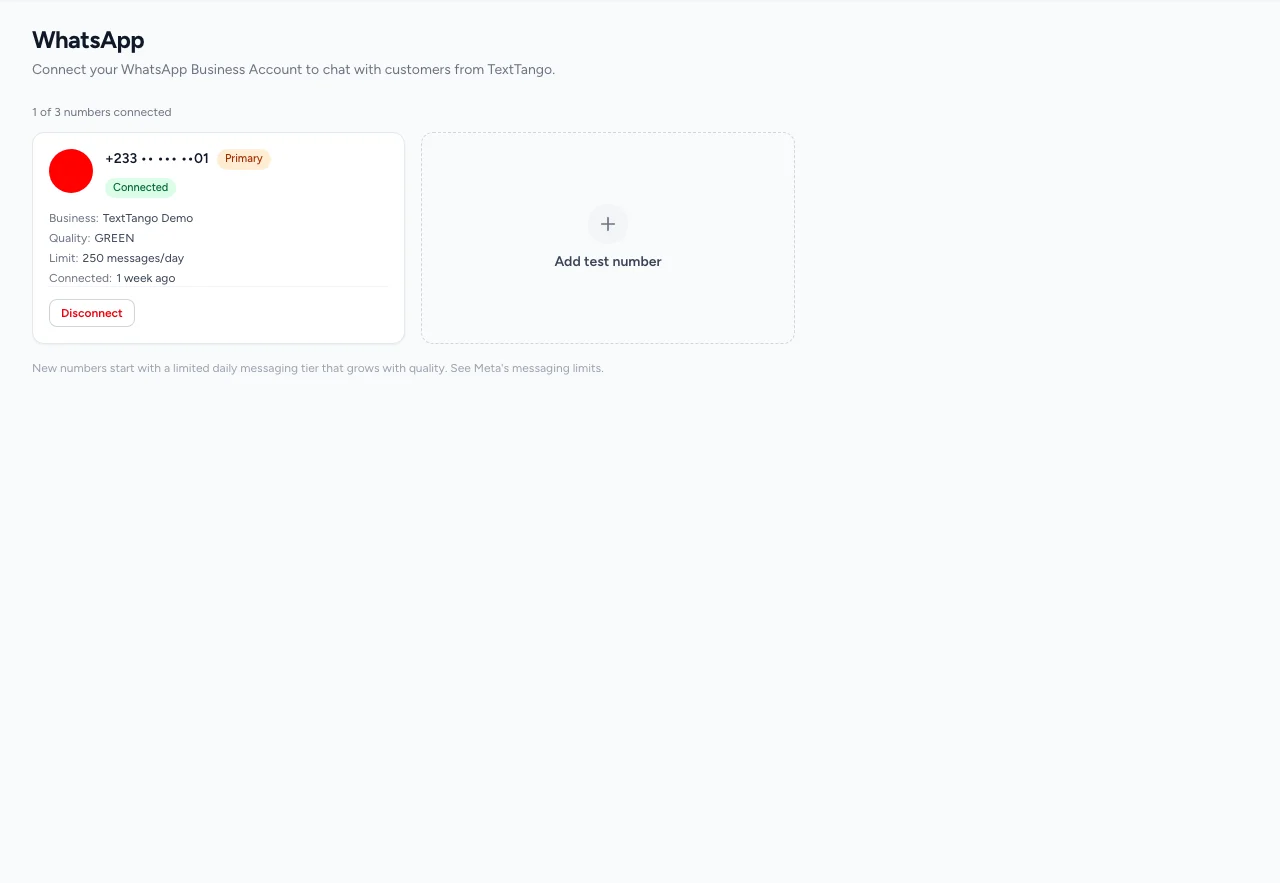
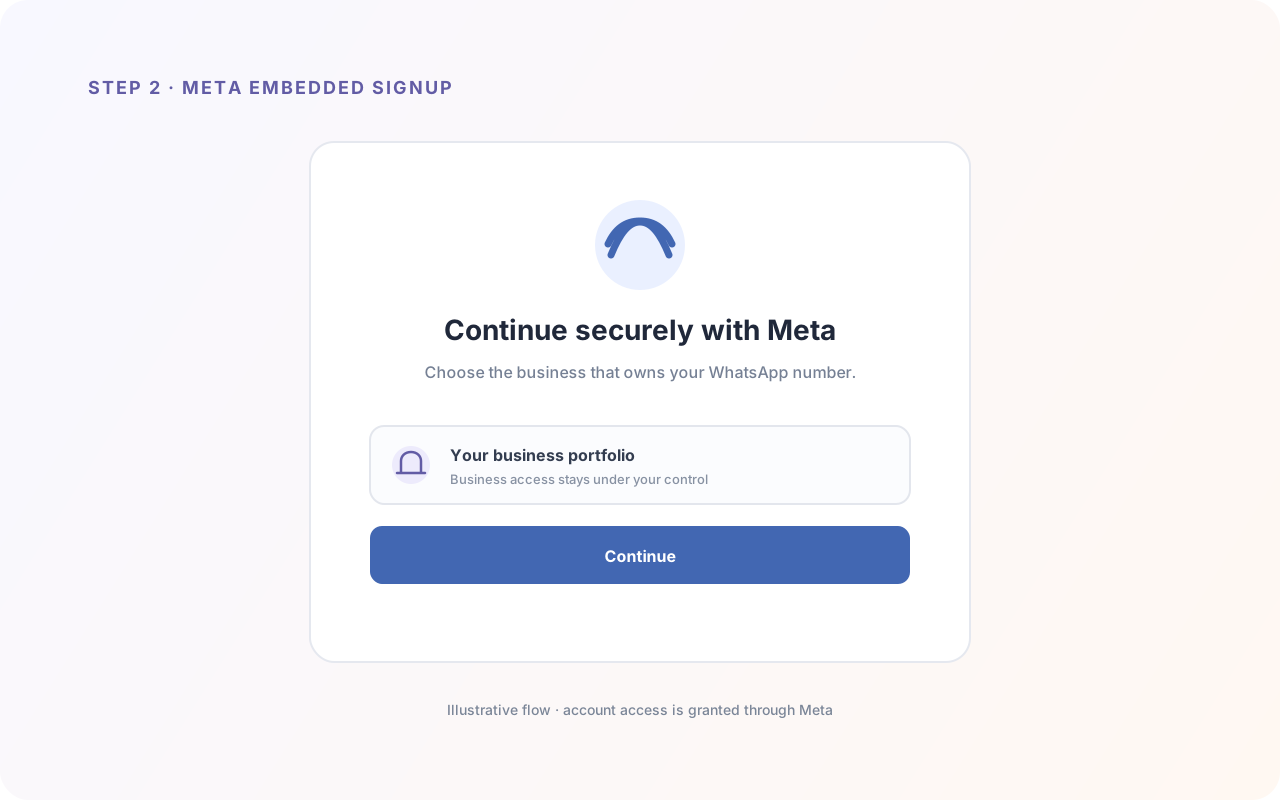
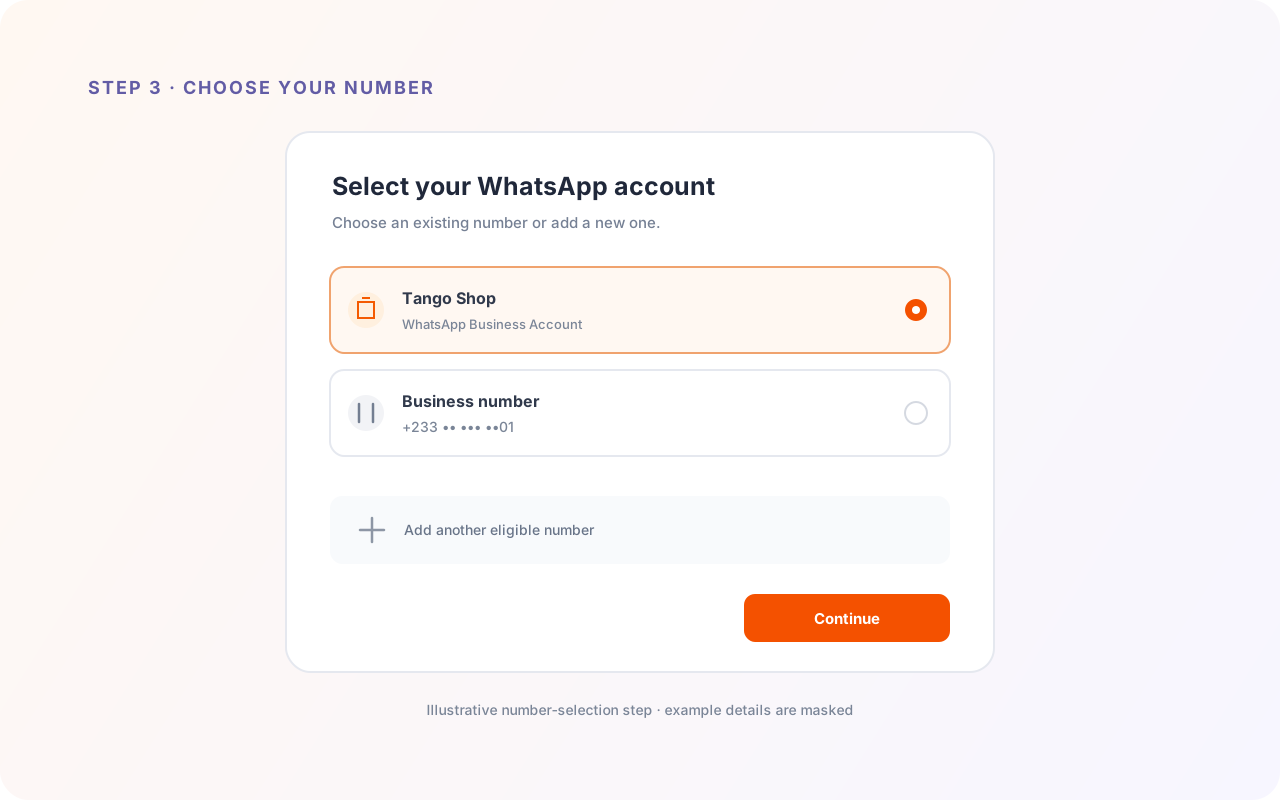
Link your own WhatsApp Business Account through Meta's official Embedded Signup, with no token pasting, and manage it inside TextTango. Connect more than one number, mark a primary, and route or send per number.
- Official Meta Embedded Signup
- Your own WhatsApp Business Account
- Multiple numbers per business
- Quality rating & messaging tier
One inbox for the whole team.
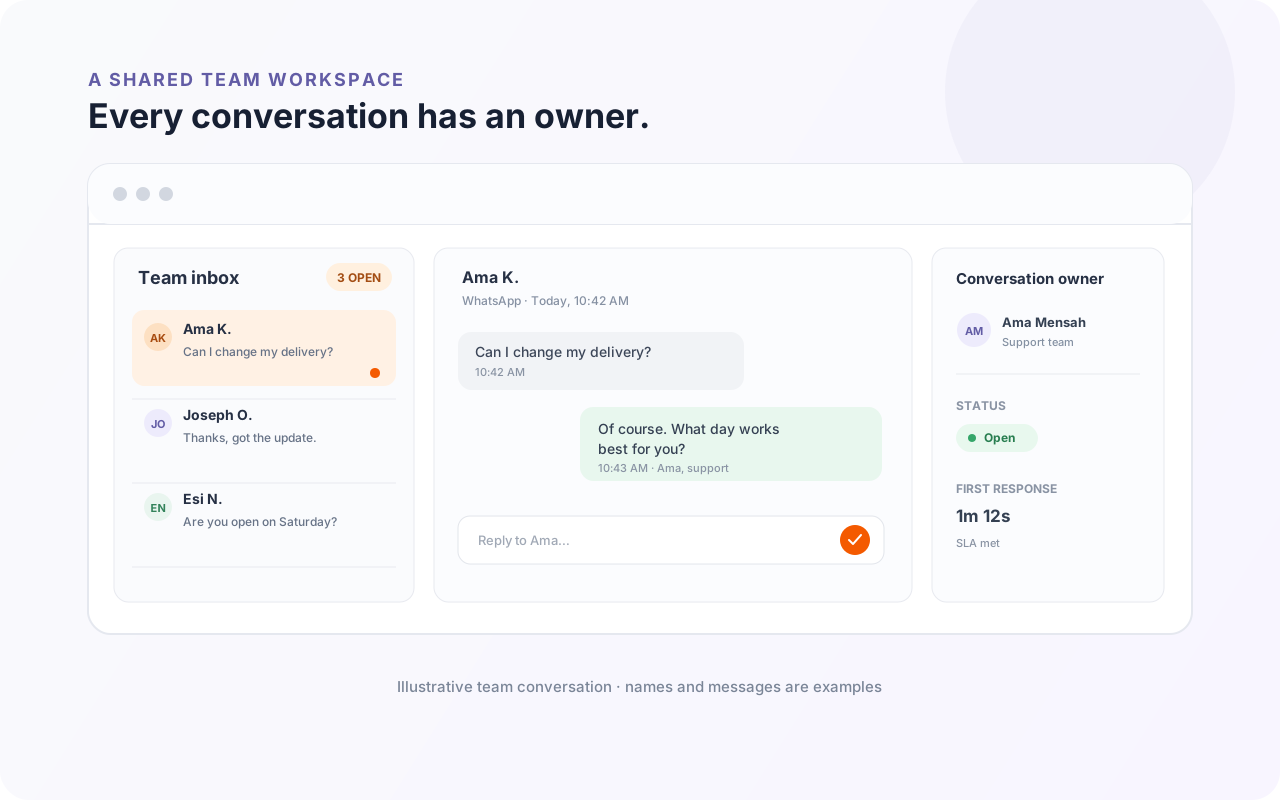
Handle two-way conversations in real time, assign a chat to the right teammate, and let routing rules auto-assign new conversations by keyword or round-robin, with a first-response SLA so nothing is missed. Use canned replies, pin and star messages, react, and quote.
- Assign & route conversations
- First-response SLAs
- Canned replies
- Pin, star, react & quote
Approved templates, sent at scale.
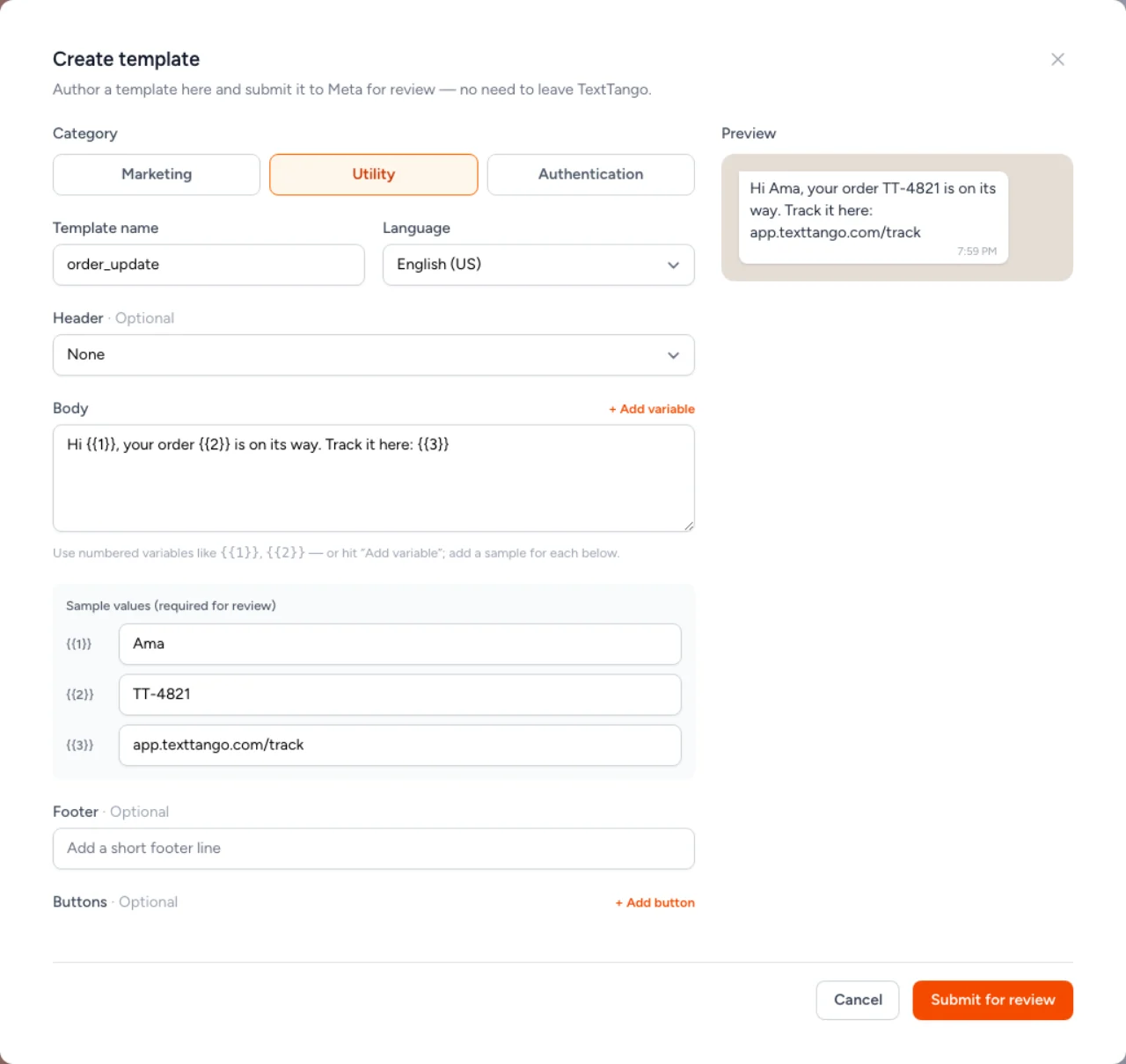
Sync your approved WhatsApp templates from Meta, preview them, and create and submit new ones for approval. Then broadcast to a contact group through the same campaign engine you already use for SMS and Voice.
- Sync & preview templates
- Create & submit for approval
- Template broadcasts
- Same campaign engine
Reply automatically, on your terms.
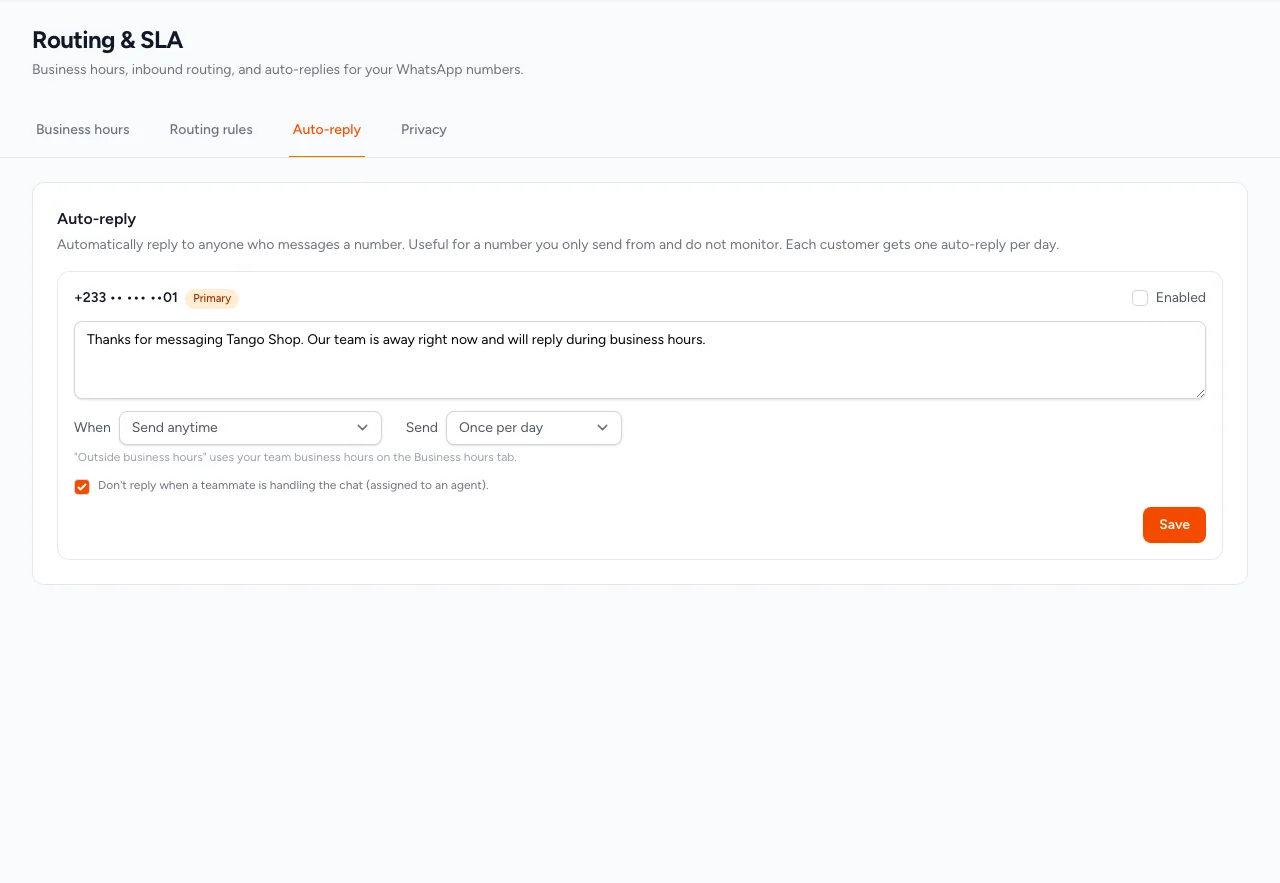
Set a per-number auto-reply for inbound messages, choose how often it sends, and limit it to outside your business hours so it only answers when you are closed. It stays quiet when a teammate is already handling the chat.
- Per-number auto-reply
- Every message, daily, or once per customer
- Outside business hours only
- Skips chats an agent is handling
Send WhatsApp from your code.
Send messages and manage WhatsApp over the same REST API as the rest of the platform, with scoped tokens. Automate template sends and stream delivery events, the whole platform, programmatically.
- Scoped access tokens
- Same v2 REST API
- Template sends
- Delivery webhooks
curl https://app.texttango.com/api/v2/whatsapp/messages \
  -H "Authorization: Bearer {YOUR_AUTH_KEY}" \
  -H "Content-Type: application/json" \
  -H "Accept: application/json" \
  -d '{
    "from": "+233501234567",
    "to": "+233541234567",
    "template": "order_ready",
    "language": "en"
  }'
Opt-out handling
24-hour window aware
One contact book & wallet
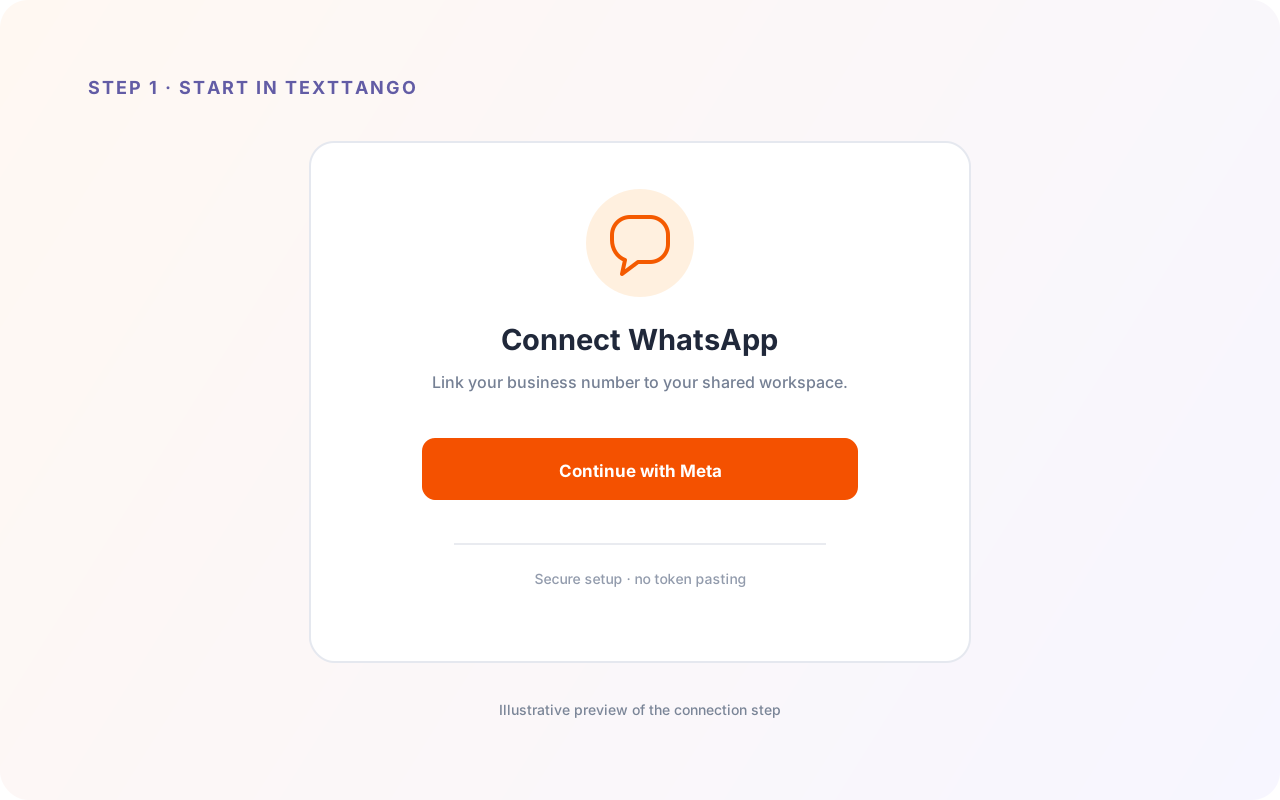
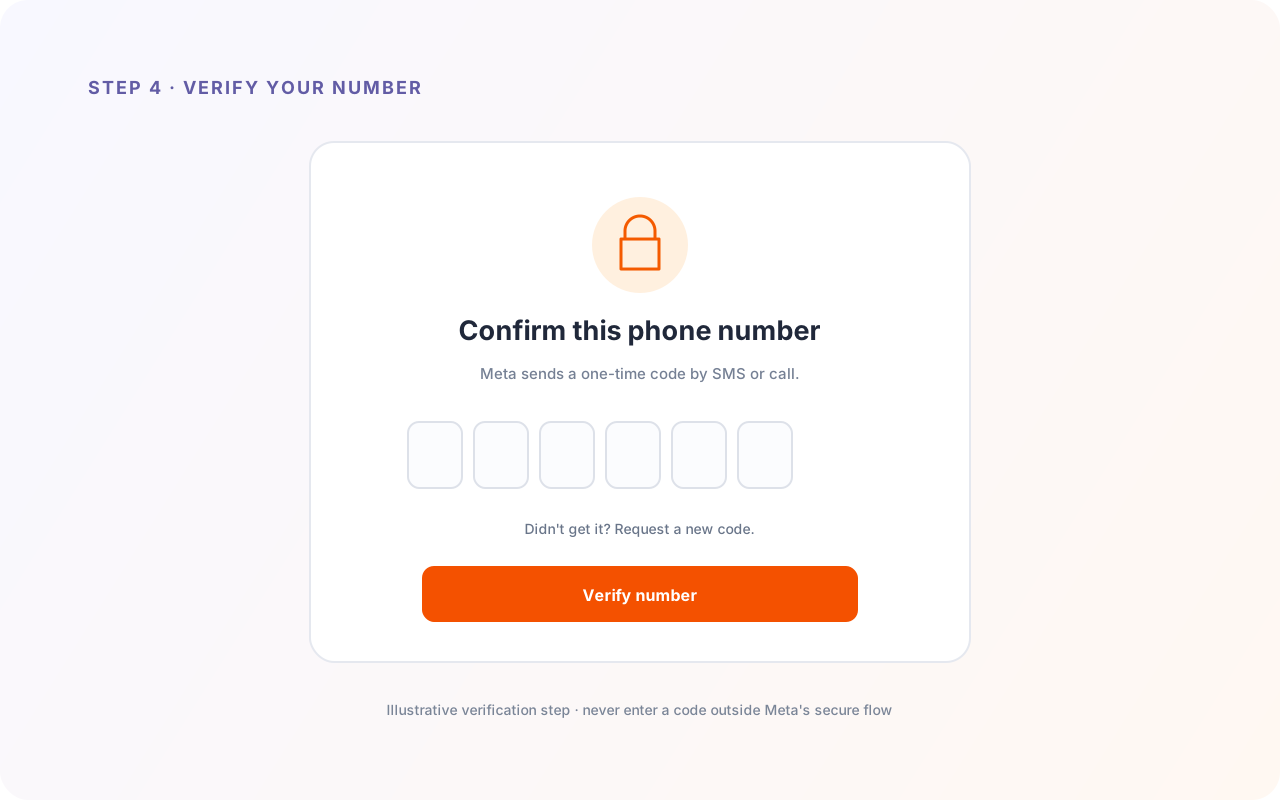
Connect your WhatsApp in minutes.
Once you have early access, connecting your number runs through Meta's official Embedded Signup, no token pasting.
Get early access to WhatsApp.
Request access and we will get you set up.